
INSIGHTS · 2026
Data Breach Response for Texas Small Businesses: The First 72 Hours
A 72-hour plan that shows Texas small businesses how to contain a data breach, preserve evidence, check Texas notice rules and communicate clearly.
A suspected breach calls for action now. In the first 72 hours, contain the incident without destroying evidence, confirm what data was accessed, align with counsel on Texas notification requirements, and prepare clear communications. Under Texas Business and Commerce Code 521.053, a business must notify each individual whose sensitive personal information was, or is reasonably believed to have been, acquired by an unauthorized person. Notice is due without unreasonable delay and not later than the 60th day after the date the business determines that the breach occurred (see the statute text at https://statutes.capitol.texas.gov/Docs/BC/htm/BC.521.htm#521.053). Titanium Computing helps Central Texas businesses isolate, assess and recover from security incidents.
Titanium Computing is an engineer-run managed IT, cybersecurity and compliance provider in Austin, serving Central Texas businesses since 2016. This guide lays out a practical 72-hour response a small team can execute. It links directly to services and resources that can speed recovery.
What to Do in the First 72 Hours After a Breach in Texas
Start by freezing changes, preserving logs, and looping in counsel. Then engage incident response, begin scoping, and determine whether Texas notice applies under Business and Commerce Code 521.053. For hands-on help right now, Titanium's incident response and hardening support is a good first call. The breach section on Titanium's cybersecurity page covers urgent next steps.
Actionable Insight: Freeze changes, preserve logs, contact counsel, engage incident response, and assess Texas notice requirements quickly. Fast containment and careful evidence handling reduce downtime and help a business meet legal and contractual obligations.
- Isolate likely-compromised systems: Remove network access without powering off endpoints so memory artifacts remain intact.
- Preserve logs and EDR data: Export SIEM, firewall, EDR, SaaS, and identity logs before they rotate.
- Engage counsel immediately: Coordinate all external communications through legal to align with Texas notice obligations in 521.053.
- Notify the insurer: Open a claim and follow panel vendor requirements to keep coverage intact.
- Coordinate incident response: Assign a single coordinator, define decision rights, and set twice-daily updates.
- Draft notification materials: Prepare customer and partner messaging in case Texas notice triggers.
- Begin remediation plan: Block indicators, enforce MFA, patch systems, and validate backups for recovery.
Hour 0–24: Containment and Evidence Preservation
- Network isolation, not power-off: Keep machines on to retain volatile memory for forensics.
- Tiered credential resets: Prioritize privileged and service accounts, then user accounts to limit spread.
- Snapshot cloud resources: Capture VM, container, and SaaS snapshots before configuration changes.
- Preserve EDR artifacts: Export process trees, timelines, and quarantine data for investigators.
- Lock risky integrations: Temporarily disable OAuth apps that show suspicious token use.
Crucial Tip: Do not wipe or reimage endpoints before forensics captures volatile and disk artifacts. Destruction of evidence can complicate insurance and legal review.
Hour 24–48: Scope, Legal, and Notification Readiness
- Map data locations: Identify systems that store or process personal information and regulated data.
- Estimate affected individuals: Use logs and mail traces to bound potential exposure.
- Align with counsel: Confirm whether Texas Business and Commerce Code 521.053 notice is triggered by acquisition of sensitive personal information.
- Draft notices and FAQs: Prepare templates for individuals, partners, and media, pending final legal sign-off.
Key Takeaway: Determine whether sensitive personal information was acquired, including encrypted data taken with its key, to see if Texas notice applies.
Hour 48–72: Remediation and Communication
- Apply patches and block IOCs: Update vulnerable systems and add network and EDR blocks.
- Enforce MFA and harden identity: Roll out conditional access and revoke suspicious tokens and sessions.
- Finalize messaging: Deliver customer updates and partner notices with counsel’s approval.
- Plan staged restoration: Validate backups and return services to production in phases under monitoring.
Actionable Insight: Centralize all communications and version-control every public statement.
Step 1: Contain the Incident Without Destroying Evidence
Containment is about reducing risk while protecting evidence. For a point-of-sale malware alert, remove the POS from the network and preserve memory and disk. Then validate with the payment processor before any bring-up. For business email compromise, lock sign-ins, revoke sessions and tokens, sweep mailbox rules, and preserve audit logs. For a cloud account takeover, snapshot infrastructure-as-code and VM disks before key rotations or role changes.
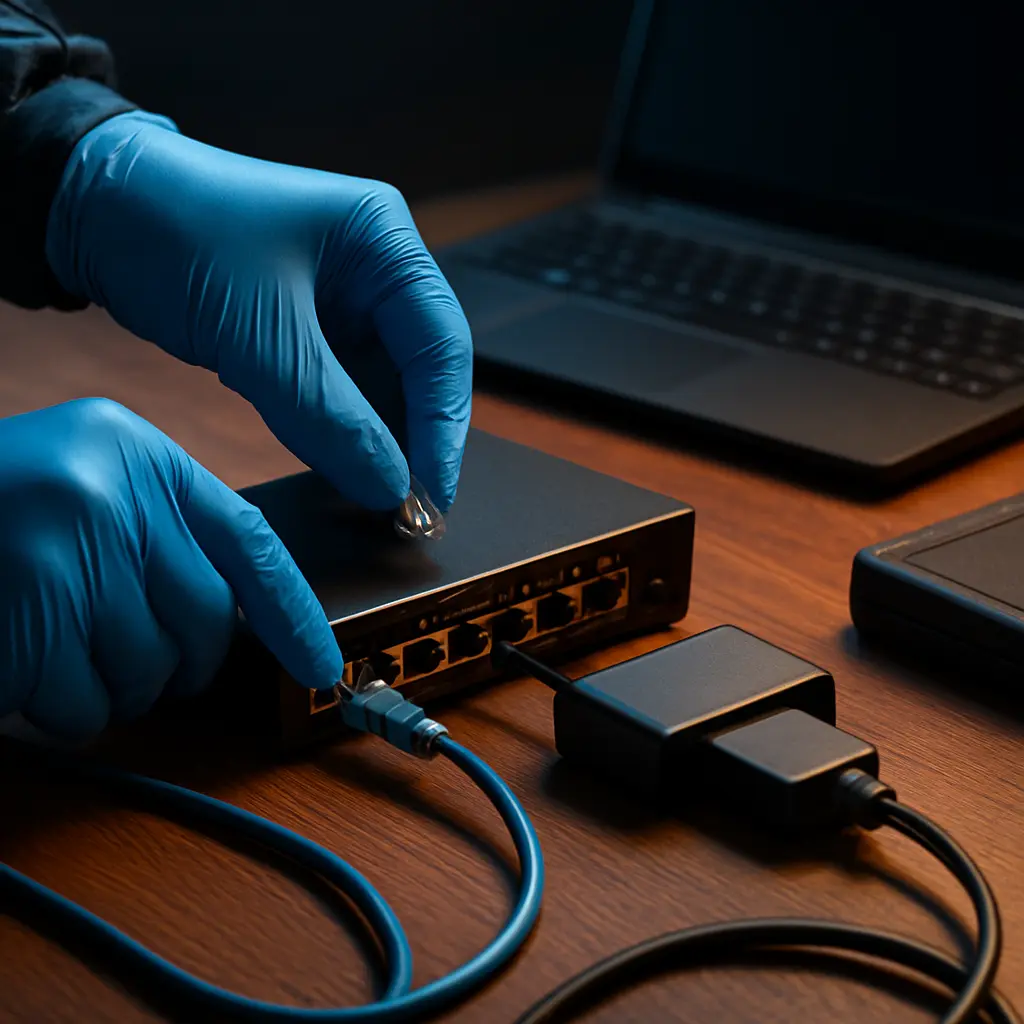
Practical Example: Quarantine a suspected workstation by removing it from the network, but keep it powered to preserve memory until captured. Then use the EDR tool to pull a live response package, export event logs, and only afterward reimage or restore.
- Quarantine with segmentation: Move affected assets to a VLAN or isolated subnet to stop spread but enable evidence capture.
- Revoke risky access: Disable compromised accounts and service principals that show suspicious activity.
- Safe credential resets: Rotate admin and API keys only after token and session revocation to prevent re-entry.
- Block indicators quickly: Add hashes, domains, and IPs to EDR and firewall blocks while keeping copies for forensics.
- Preserve cloud artifacts: Snapshot storage, mailboxes, and VMs before making configuration changes.
- Turn up logging: Increase retention temporarily to avoid losing critical telemetry during investigation.
Isolation Patterns That Work for Small Teams
- VLAN quarantine: Move suspected endpoints to a restricted network with logging access only.
- Conditional access lock: Enforce sign-in risk policies and location blocks to cut off attacker sessions.
- OAuth app revocation: Remove suspicious consent grants and third-party tokens in the SaaS tenant.
- Mail flow rules: Add transport rules to flag or hold risky messages during active BEC remediation.
Crucial Tip: Snapshot affected cloud resources before revoking tokens or rotating keys.
Evidence to Capture Before Changes
- EDR timelines: Export process graphs, detections, and quarantine metadata.
- Authentication logs: Pull identity provider sign-ins, conditional access, and risk events.
- Mail trace data: Save message trace, audit logs, and mailbox rule histories.
- Cloud activity logs: Export admin actions, API calls, and configuration changes across tenants.
- Firewall and proxy flows: Capture session data for C2 and exfiltration analysis.
- Backups and versions: Note backup timestamps to align clean restore points.
Key Takeaway: A clean timeline reduces overall downtime and speeds insurer and legal workflows.
Step 2: Verify What Was Accessed and Whether Texas Notice Applies
Next, confirm whether sensitive personal information was acquired by an unauthorized person. Under Texas Business and Commerce Code 521.053, notice goes to each individual whose sensitive personal information was, or is reasonably believed to have been, acquired. Encrypted data counts if the person accessing it has the key to decrypt it. Notice is due without unreasonable delay and not later than the 60th day after the date the business determines that the breach occurred. Subsection (d) allows a delay at a law enforcement agency's request. Align the determination with counsel and document the reasoning thoroughly.

| Element | What It Means | Simple Example |
|---|---|---|
| Sensitive personal information | A person’s name in combination with sensitive data elements as defined in statute | Full name plus account number with security code in a compromised export |
| Acquired by unauthorized person | Access that indicates viewing, copying, or exfiltration by someone without authorization | Identity logs show mailbox content accessed from unfamiliar locations with rule changes |
| Encrypted vs. unencrypted | Whether data was unreadable without a key, and if the key was safe | Database was encrypted at rest and keys stored separately without signs of compromise |
Key Insight: If sensitive personal information was acquired by an unauthorized person, Texas notice obligations likely apply. That includes encrypted data when the key was also acquired.
Reading the Statute: Texas Business and Commerce Code 521.053
- Timing: Notify individuals without unreasonable delay and not later than the 60th day after the date the business determines that the breach occurred. Subsection (d) allows delay at a law enforcement agency's request, per 521.053 (https://statutes.capitol.texas.gov/Docs/BC/htm/BC.521.htm#521.053).
- Content: Describe the general nature of the breach and the types of information involved, as counsel advises.
- Method: Use methods allowed by the statute: written notice, electronic notice, or substitute notice under subsection (f) when its conditions are met.
- Attorney General threshold: If the breach involves at least 250 Texas residents, notify the Texas Attorney General as soon as practicable and not later than the 30th day after the date the business determines that the breach occurred. Submit it electronically through the form on the attorney general's website. Notifying more than 10,000 persons at one time also requires notice to each nationwide consumer reporting agency.
Actionable Insight: Coordinate with counsel before sending any notices to ensure accuracy and completeness.
Document the Decision: Why the Business Is Notifying or Not
- Evidence summary: Reference the logs, EDR data, and timeline that informed the analysis.
- Encryption status: Record whether data was encrypted and how keys were protected.
- Acquisition determination: State whether sensitive personal information was acquired, and the basis for that conclusion.
- Counsel sign-off: Capture written approval or guidance from legal counsel.
- Insurer notice: Attach claim or incident numbers and any panel requirements.
Crucial Tip: Store the notification rationale with restricted access and retention controls.
Step 3: Coordinate Legal, Insurance, and Stakeholder Communications
One source of truth reduces confusion and risk. Establish counsel-led communications, notify the insurer, and prepare customer and partner messages that are factual and empathetic. Keep internal briefs short and frequent. Route all external statements through counsel and an appointed spokesperson.
Key Takeaway: One source of truth reduces errors and protects investigations.
- Insurer notification: Open a claim early and use approved vendors if the policy requires it.
- Counsel lead: Have legal approve every external statement and notification template.
- PR alignment: Prepare a public statement and Q&A that match the facts and counsel’s guidance.
- Customer FAQs: Provide practical steps for customers, including how and when updates will arrive.
- Partner outreach: Notify key vendors and resellers when integrations or shared keys are involved.
- Regulator contact if needed: Where Texas or sector rules require, prepare regulator notices with counsel.
Building the Internal Brief
- What is known: One paragraph, facts only, time-stamped.
- Today's actions: Top three tasks owners will execute.
- What to avoid saying: Phrases and topics to keep out of public threads.
- Upcoming milestones: Next decision points with dates.
- Point of contact: Single coordinator and escalation path.
Actionable Insight: Keep the brief under one page, time-stamped, and versioned.
Customer and Partner Messaging Elements
- Incident summary: Clear, concise description without technical jargon.
- What data may be involved: Types of information potentially affected.
- Steps taken: Containment, investigation, and protections now in place.
- How updates will arrive: Where and when updates will be posted.
- Contact channel: Single support email or phone route to reduce confusion.
Crucial Tip: Avoid technical jargon and provide a single support contact path.
Step 4: Remediate, Harden, and Validate Before Full Restore
Recovery should be measured and observable. Validate backups, remediate the root cause, and harden identity and email. Then restore services under heightened monitoring. This is also the time to level up training, tune filtering, and align the roadmap with business risk.
Key Insight: Restore only after root cause is addressed and monitoring is in place.
- Backups: Validate clean restore points and recovery workflows with Titanium's data backup and recovery approach.
- MFA rollout: Enforce strong authentication and risk-based controls with Titanium's cybersecurity services.
- Security awareness: Reinforce safe behavior through security awareness training.
- Email protection: Filter threats and stop spoofing with email and spam protection.
- Help desk: Provide fast password resets and coordinated support via Titanium's help desk.
- Cloud hardening: Lock down tenants, roles, and network posture with cloud and virtualization.
- Roadmap planning: Prioritize investments through vCIO planning.
Backup Restore With Confidence
- Offline copy check: Verify existence of immutable or offline backups.
- Malware scan: Scan restored images before any network rejoin.
- Test restore: Bring up a representative workload in isolation.
- Integrity verification: Validate app data and logs align to pre-breach state.
- Staged rollout: Reintroduce services in phases under monitoring.
Practical Example: Restore a clean server into an isolated VLAN, run integrity checks, then rejoin production.
Identity and Email Hardening After Compromise
- MFA enforcement: Require MFA for all users, with conditional access for admins.
- CA policies: Block legacy auth, enforce device compliance, and limit risky locations.
- Token revocation: Invalidate refresh tokens and sessions across tenants.
- App password removal: Eliminate legacy app passwords tenant-wide.
- Mailbox rule sweep: Remove forwarding and hidden rules for all affected users.
- SPF/DKIM/DMARC review: Tighten sender policies and monitor alignment.
Crucial Tip: Reset credentials only after token and session revocations to prevent re-entry.
Critical Steps to Take After a Breach
After a suspected breach, Titanium can help coordinate containment, assessment and recovery. For urgent coordination, see Titanium's page on immediate cybersecurity help.
| Role | When to Contact | Purpose (Counsel, Insurer, Incident Response, MSP) |
|---|---|---|
| Legal counsel | Immediately after initial containment starts | Direct privilege, guide Texas notice decisions, approve messaging |
| Insurer | As soon as counsel is engaged | Open claim, align with panel requirements |
| Incident response team | Within first day | Evidence preservation, scoping, and eradication |
| Managed IT/MSP | During containment and recovery | Endpoint isolation, MFA rollout, backups and restore support |
Actionable Insight: Contact the Titanium team at /cybersecurity/ for coordinated response and hardening.
- Assign a coordinator: One internal lead to manage information flow.
- Quarantine and preserve: Isolate systems without power-off, export logs.
- Engage counsel and insurer: Start privileged coordination and open a claim.
- Scope the impact: Identify systems, data, and users potentially affected.
- Prepare notifications: Draft notices and FAQs in case Texas notice applies.
- Remediate and monitor: Patch, harden identity, and observe under enhanced logging.
Printable 10-Item Breach Checklist
- Isolate
- Preserve
- Log captures
- Counsel
- Insurer
- Scope
- Notify
- Remediate
- Monitor
- Lessons learned
Key Takeaway: Assign a single incident coordinator to own this list.
Prevent the Next One: Controls That Protect Texas Small Businesses
Prevention is a program, not a product. Start with identity, email, backups, and user training, then add layered monitoring and governance. Titanium helps organizations across Central Texas right-size controls to risk and budget, then reviews them every quarter.
Key Insight: Prevention is a program, not a product. Start with identity, email, backups, and user training.
- Managed IT: Rely on Titanium's proactive managed IT to maintain stable, patched systems.
- Cybersecurity: Build layered defense with Titanium's cybersecurity services.
- Awareness training: Reduce risky clicks through security awareness training.
- Email protection: Filter and authenticate mail via email protection.
- Data backup: Plan tested recovery with data backup and recovery.
- vCIO roadmap: Plan spend and strategy through vCIO.
- Compliance: Run controls and collect audit evidence through Titanium's compliance services.
Compliance for HIPAA, CMMC, and SOC 2
- Gap assessment with ranked, costed plan
- Policies written for actual operations
- Continuous automated evidence collection
- Annual risk assessment
- Audit-day support in the room
- Business associate and vendor agreement review
Actionable Insight: Begin with a gap assessment to prioritize spend and reduce risk quickly.
Top Questions About Texas Breach Response
These answers cover common questions from owners and IT leaders. For deeper guidance, Titanium can walk through a specific environment, including identity and email configurations, and build a prioritized plan.
Practical Example: When a single mailbox is compromised, treat it as potential data exposure until proven otherwise.
How fast must a business notify under Texas law?
- Timing: Without unreasonable delay and not later than the 60th day after the date the business determines that the breach occurred. Subsection (d) allows delay at a law enforcement agency's request, per Texas Business and Commerce Code 521.053 (https://statutes.capitol.texas.gov/Docs/BC/htm/BC.521.htm#521.053).
- Method: Use methods allowed by the statute: written notice, electronic notice, or substitute notice under subsection (f) when its conditions are met.
- Coordination: Work with counsel to confirm scope, content, and timing before any notices are sent.
Does encryption exempt a business from notification?
- Encryption status: The statute covers encrypted data when the person accessing it has the key to decrypt it. Encrypted data with a safe key may not trigger notice.
- Key exposure: If encryption keys were acquired or data was decrypted, treat it as a breach of sensitive personal information.
- Documentation: Record encryption methods, key management, and the evidence behind the decision.
Who should lead the response inside a small company?
- Coordinator role: Assign one incident coordinator to manage tasks and approvals.
- Decision rights: Give that person clear authority to isolate systems and escalate decisions.
- Communications hub: Route all updates through the coordinator to maintain a single source of truth.
Pricing and Next Steps
Titanium offers straightforward, flat per-user pricing for teams from remote-first offices to regulated organizations. Compare options on the pricing page and choose the tier that matches on-site needs and audit goals.
Key Takeaway: Choose the support model that matches on-site needs and compliance requirements.
- Remote-First, $95/user/mo: See details on the pricing page.
- Complete, $125/user/mo: See details on the pricing page.
- Compliance+, $155/user/mo: See details on the pricing page.
Get Help Now
Actionable Insight: If a breach is suspected, pause changes and schedule a free consultation at /free-consultation/ or call (512) 623-9199.
No business has to face this alone. Incident response and Texas notice requirements should not be a burden. Titanium Computing offers a free consultation to help a business stabilize, investigate, and recover. Start now at free consultation. Learn more at titaniumcomputing.com