
INSIGHTS · 2026
Network Security for Small Offices: A Practical Guide in Central Texas
Small offices in Central Texas need a business-grade firewall, clean segmentation and secure Wi-Fi, kept current with patching, backups and staff training.
Small offices often ask Titanium the same core question: what does the network actually need to stay safe without overcomplicating it? The short answer is a business-grade firewall, clean segmentation, and secure Wi-Fi. Patching, backups, and user training keep all of it effective. Titanium wraps those into managed services so staff can work without worrying about the plumbing. For deeper protection, its cybersecurity program adds 24/7 managed detection and response.
This guide stays practical. It translates the jargon into plain steps any office can follow, whether it sits near a busy business park, a medical suite, or a co-working space. It shows how these pieces fit together, how Titanium operates them day to day, and when it makes sense to hand the keys to a managed provider.
What small offices actually need: a plain-language foundation
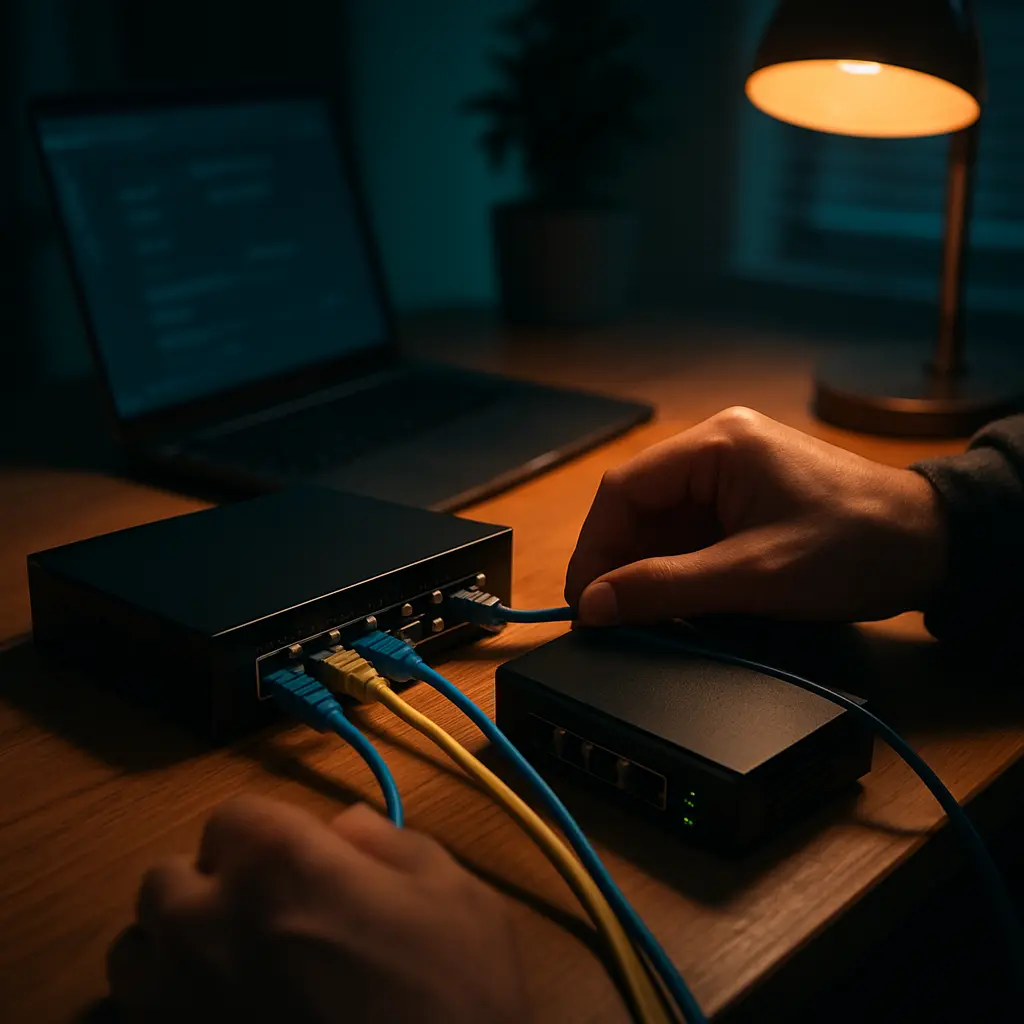
A small office does not need a sprawling enterprise design to be safe. The foundation is simple: a business firewall, segmented networks for users, servers, IoT, and guests, and secured Wi-Fi. Layer in patching, backups, and training so the controls stay effective. Titanium's cybersecurity approach covers this baseline first, then adds monitoring.
| Element | What It Means | Simple Example |
|---|---|---|
| Business firewall | Enforces rules on what traffic is allowed and blocks threats before they reach devices | Allow accounting to reach cloud finance, block unknown inbound, log everything for quick reviews during busy quarter-end |
| Segmentation (VLANs) | Separates device groups so one compromised device cannot roam everywhere | Keep cameras and printers away from laptops, and keep guest traffic internet-only during a lunch-and-learn |
| Secure Wi-Fi | Uses strong encryption and separate SSIDs mapped to VLANs | Staff SSID reaches business apps, Guest SSID only reaches the internet for visiting consultants |
| Patching and backups | Keeps systems current and recoverable after trouble | Update switch firmware after hours and back up configs first, so the change can be rolled back quickly |
| User training | Teaches people to spot risky links and behavior | Monthly bite-size lessons to catch phish, supported by clear reporting steps |
Key Takeaway: The baseline is a business-grade firewall, segmented networks, strong Wi-Fi, patching, backups, and user training managed together. When these pieces are aligned, small offices gain real security without daily headaches.

How Titanium Computing fits
Titanium operates and aligns these controls as part of its managed stack, so staff stay focused on work instead of network plumbing.
- Firewall Management: Titanium configures, patches, and monitors FortiGate firewalls as part of its cybersecurity services.
- Managed IT Care: Patching, asset inventory, and version-controlled network documentation come through Titanium's managed IT team.
- Backups and Recovery: Titanium backs up servers and critical data with data backup and recovery.
- Security Awareness: Titanium trains staff and reinforces good habits with security awareness training.
Actionable Insight: Align policy, tech, and people. Pair network controls with training at /security-awareness-training/ so staff know how to work within the guardrails, and escalate quickly when something looks off.
Firewalls in small offices: choosing, configuring, and maintaining
A firewall sits at the edge between the office and the internet. It enforces policies, inspects traffic, and logs what happens. Business-grade matters because an office needs reliable rules, clear logging, and features like intrusion prevention and VPN. Titanium specifies and manages business-grade firewalls, with FortiGate at the perimeter.
Change requests should follow a ticketed process through the help desk so rules do not sprawl. Before any significant change, export and store a configuration backup. Validate restores as part of the data backup and recovery plan. Then, if a rule breaks access to a cloud app, the change can be rolled back quickly.
| Feature | Why It Matters | Small Office Scenario |
|---|---|---|
| Stateful policy control | Allows only what the business needs and denies the rest | Permit payroll to cloud HR, block peer-to-peer, and log attempts for quick reviews |
| Threat inspection | Detects and blocks known bad patterns | A malicious link gets clicked, the firewall blocks the payload and alerts the IT team |
| VPN and remote access | Securely connects remote staff to the office | An accountant connects securely during month-end without exposing the LAN |
| Central logging | Speeds up troubleshooting and incident response | The IT team correlates a spike in blocked traffic with a user report and resolves the issue quickly |
Crucial Tip: Back up firewall configs and test restores. Store them securely under the backup plan. Do not assume last month's export still works. Verify and document it.
1. Baseline rules to implement on day one
- Deny by Default: Start with blocked inbound and limited outbound, then allow only what is required.
- Allow Known Business Apps: Allow-list the cloud apps staff need and review them quarterly.
- Block risky ports: Stop legacy and unnecessary services from leaving or entering the network.
- Geo rules where appropriate: If the business operates only in the U.S., consider limiting admin interfaces to expected regions.
- DNS filtering: Use reputable resolvers to block known malicious domains.
- Admin access control: Restrict management interfaces to IT devices and approved admin IPs.
Practical Example: Create separate admin accounts for firewall changes and log all edits to a ticket in /help-desk/. If a rule breaks access for a vendor, the IT team can trace who changed what and when, then revert quickly.
2. Ongoing care: updates, logs, and alerts
- Firmware updates: Apply in a maintenance window, then confirm traffic flows and VPNs.
- Config backups (/data-backup-recovery/): Export before and after changes, then store off-device.
- Log review cadence: Review blocked traffic, admin logins, and policy hits weekly, then summarize monthly.
- Alert tuning: Send actionable alerts to a monitored channel and suppress noise.
- Vendor account security: Enforce MFA and role separation for device cloud portals.
Key Insight: Noisy or unreviewed alerts can turn an incident into an outage. Tune alerts to what the team will act on, then document who owns each alert type.
Network segmentation that actually works: staff, servers, IoT, and guest
Segmentation uses VLANs and policy to keep device groups separated. Laptops should not talk directly to cameras, and guests should never see internal resources. A simple, well-documented design reduces lateral movement and simplifies audits. As local companies grow into hybrid offices, thoughtful segmentation keeps remote and onsite access predictable.
| Segment | Typical Devices | Traffic Allowed |
|---|---|---|
| User LAN | Staff laptops, VoIP handsets, managed desktops | Outbound to business apps, inbound only from IT support tools and print services |
| Server/Cloud Edge | Local servers, NAS, secure jump hosts | Limited inbound from User LAN, outbound to cloud providers and backups |
| IoT/Printers | Cameras, badge readers, MFPs, TVs | Outbound DNS/NTP, inbound only from print or management services |
| Guest Wi-Fi | Visitor laptops and phones | Internet only, no routes to internal VLANs |
Key Takeaway: If a device does not need to talk to finance systems, it should not be able to. Map the few necessary paths, block the rest, and keep it documented.
1. A simple three- or four-segment design for small offices
- User LAN: Staff systems access cloud apps and print services, no lateral device-to-device by default.
- Server/Cloud Edge: Local servers and jump hosts, reachable only on required ports from User LAN.
- IoT/Printers: Cameras and MFPs can reach DNS and NTP, users can print via specific ports, nothing else.
- Guest Wi-Fi: Internet only with client isolation, no access to other VLANs or management networks.
Actionable Insight: Block lateral traffic between user devices by default and permit access only to shared services like print via specific ports. This single change blocks many forms of spread without hurting productivity.
2. Policy enforcement without breaking productivity
- Start in monitor mode: Log potential blocks first, then review what would break.
- Document exceptions: Note who asked, why, and the ports or apps involved.
- Time-box temporary rules: Require expirations so one-off vendor access does not linger.
- Change control via /help-desk/: Track approvals and backout plans for each policy edit.
Practical Example: Create a 48-hour temporary rule for a vendor install and expire it automatically. If the project extends, the requestor must renew through the ticket, keeping the rule intentional.
Secure Wi-Fi for staff and guests: simple choices that pay off
Office Wi-Fi should be predictable and safe. Use dedicated SSIDs mapped to VLANs. Apply strong encryption. Isolate guests and IoT. Make onboarding simple but controlled, with training that fits the office culture. Staff who understand safe Wi-Fi habits also spot suspicious emails faster. That pairs well with Titanium's email spam protection and security awareness training.
| Wi-Fi Setting | Why It Helps | Recommended Practice |
|---|---|---|
| Separate SSIDs | Clear separation between business and guest traffic | Staff SSID on User VLAN, Guest SSID internet-only with client isolation |
| Modern encryption | Protects traffic from eavesdropping | Use WPA3 or enterprise authentication where supported |
| Band steering and coverage | Improves performance and stability | Balance 2.4 and 5 GHz based on device mix, validate coverage in all meeting spaces |
| Guest controls | Limits risk from unknown devices | Auto-rotating passcodes and bandwidth limits, no LAN access |
| Management plane security | Keeps admin out of user view | Hidden admin SSID on IT-only devices, restricted by MAC and VLAN |
Crucial Tip: Use separate SSIDs for staff and guest, each mapped to different VLANs. Avoid mixing devices on a single SSID with policy rules only, because one misconfiguration can expose business systems.
1. Staff access: credentials and device hygiene
- Strong WPA3 or enterprise (if supported): Prefer modern encryption and identity-based access.
- Rotate credentials: Change shared PSKs on a cadence or when staff changes.
- Disable WPS: Remove easy pin-based joins that are not needed for business gear.
- Limit admin SSID: Keep a hidden management SSID for IT laptops and emergency work.
- Phishing-resistant onboarding: Pair join instructions with short training at /security-awareness-training/ and reinforce with /email-spam-protection/ to keep risky links off the network.
Actionable Insight: Keep an admin-only SSID hidden and limited to IT devices for emergency access. If user Wi-Fi fails, IT still has a clean path to diagnose without exposing management tools.
2. Guest Wi-Fi that is safe and easy
- Client isolation: Prevent guest devices from talking to each other.
- Block LAN access: Route guests to the internet only, with ACLs that deny internal subnets.
- Bandwidth limits: Keep guest use from squeezing video calls or backups.
- Auto-rotating passcodes: Change guest keys on a schedule and post them in a controlled space.
- Splash page terms: Communicate acceptable use as company policy.
Key Insight: Treat guest as untrusted internet-only, with no routes to business resources. If a visitor device misbehaves, the core network remains safe.
Beyond the basics: patching, backups, email protection, and people
Strong networks are as much about care and feeding as they are about design. Titanium pairs simple architecture with consistent patching, reliable backups, and strong email defenses, supported by staff awareness. Its managed IT team handles updates and asset inventory. Data backup and recovery protects servers and critical data. Email spam protection filters malicious messages, and security awareness training keeps people alert. For offices that rely heavily on cloud apps, Titanium extends controls through cloud and virtualization services. It also advises on pragmatic safeguards around emerging tools through its AI guidance.
Key Takeaway: Network controls reduce risk, operations sustain it. Pair both. A simple design, updated regularly and reinforced by training, outperforms a complex setup that no one maintains.
1. Keep systems current and recoverable
- OS and firmware patching via /managed-it/: Schedule updates for firewalls, switches, access points, and endpoints.
- Backup and test restores via /data-backup-recovery/: Protect configs and critical data, then validate restores.
- Cloud service hygiene via /cloud-virtualization/: Align identity, MFA, and conditional access to the network segments.
- Asset inventory: Track serials, firmware, and warranties so refreshes and updates are deliberate.
Practical Example: After firmware updates, validate that VLAN and firewall policies still enforce intended blocks. Test a guest device to confirm it cannot reach the print server or file shares.
2. Email and human risk controls
- Spam and malware filtering via /email-spam-protection/: Reduce malicious inbox traffic and stop obvious payloads.
- Security awareness via /security-awareness-training/: Short, regular training reinforces good choices.
- Report phish workflows: Provide a clear button or address for quick escalation.
- Least privilege for shared mailboxes: Limit access and enforce MFA on admin and finance mail.
Actionable Insight: Pair training with real-time reporting so staff can escalate suspicious messages quickly. Fast reporting turns near-misses into teachable moments instead of incidents.
Compliance considerations for small offices
Compliance frameworks expect a business to define policies, enforce them with technology, and show evidence that they work. Segmentation, access controls, backups, and training map directly to common requirements. Titanium's compliance program maps controls to the framework and collects evidence continuously, without burying staff in process. When evaluating providers for network security for small offices, check that their controls produce the evidence the business needs to collect.
| Requirement Theme | What Auditors Expect | Related Control |
|---|---|---|
| Access control | Defined roles, limited admin, and reviewed privileges | Firewall policy separation, unique admin accounts, Wi-Fi identity controls |
| Change management | Documented approvals and backout plans | Ticketed rule changes in /help-desk/, config backups and restore tests |
| Monitoring and response | Logged events and timely action | Firewall logs, alerting, and review cadence tied to procedures |
| Data protection | Recoverability and tested backups | Device config and data backups with documented test restores |
| Training and policies | Evidence that staff know and follow rules | Security awareness training records and signed policies |
Key Takeaway: Document what the business does, enforce it with technology, and gather evidence continuously. This alignment supports a smoother audit and keeps operations predictable.
How Titanium Computing helps with audits
- Gap assessment with ranked, costed plan
- Policies written for the client's actual operations
- Continuous automated evidence collection
- Annual risk assessment
- Audit-day support in the room
- BAA and vendor agreement review
- Most clients reach audit-ready in about four months
Practical Example: Pair the network segmentation diagram with policy references and evidence from automated collections. When an auditor asks who has admin access, the team shows the policy, the current list, and the last review date without scrambling.
When to bring in managed support and what it includes
Consider managed support when rule changes pile up, Wi-Fi issues distract staff, or audits stall because evidence is hard to pull. Titanium matches needs to service tiers and brings in the right specialists when required. Its managed IT team handles daily care, its cybersecurity team sharpens defenses, and its vCIO advisors align roadmaps with budget. Readers can review outcomes in Titanium's case studies and see its technology partners on the partners page.
Key Takeaway: Choose support that matches how often the office needs on-site help and its compliance bar. Keep it simple, scalable, and aligned to the next year of growth.
Right-sized options
- Remote-First, $95/user/mo (/pricing/): For offices that rarely need on-site help.
- Complete, $125/user/mo (/pricing/): The full stack plus scheduled on-site visits.
- Compliance+, $155/user/mo (/pricing/): HIPAA, CMMC Level 2 and SOC 2 audit-ready.
Actionable Insight: Use /vcio/ planning to align tier selection with growth and the compliance timeline. Plans are month-to-month after a 90-day initial term, so scope can change as needs change.
What Titanium operates day to day
- Managed firewalls (/cybersecurity/)
- Change requests (/help-desk/)
- Backups (/data-backup-recovery/)
- User training (/security-awareness-training/)
- Cloud posture (/cloud-virtualization/)
- Strategic planning (/vcio/) with reference results at /case-studies/
Common Questions About Small Office Network Security
Titanium hears these questions from owners and IT leads who wear many hats. The goal is clarity. Start small, validate, then expand controls as the team grows.
Key Takeaway: Start small, measure, and iterate. Good documentation lowers costs and audit friction. When the team knows what changed and why, troubleshooting gets faster and risk stays contained.
How can an office tell if its current router is enough?
A consumer router focuses on convenience, not policy control and logging. A business firewall gives clear rules, visibility, and support for segmentation and VPN. When in doubt, Titanium's engineers can review it in a one-hour consultation.
- Logging: Can it show who tried to access what and when?
- Policy control: Can it define allow-lists for cloud apps and block the rest?
- Update cadence: Can firmware updates be scheduled and verified easily?
- Segmentation support: Can it enforce VLANs with inter-VLAN rules?
What should an office segment first if there is only time for one change?
Start with guest isolation, since outside devices do not need the LAN. Next, isolate IoT and printers, then allow only the specific ports users need to print or reach cameras through a secure tool. Tie each change to a ticket and test access.
Crucial Tip: Move guest Wi-Fi to its own VLAN with internet-only access, then isolate printers and cameras next. This single step knocks down common risks with little disruption.
How often should firewall rules and Wi-Fi settings be reviewed?
Create a regular cadence and assign ownership. Keep changes ticketed and reversible. Reviews do not need to be long. They need to be consistent and documented in the help desk.
- Quarterly policy review: Retire temporary rules and confirm allow-lists.
- Post-change validation: Test access paths and VPN after every change.
- Annual architecture check: Confirm VLANs, SSIDs, and backups align to current needs.
- Ticketed approvals: Keep who, what, when, and why in one place.
No small office has to face this alone. Security choices should not be a burden, and Titanium Computing helps with clear guidance, pragmatic designs, and hands-on operations. Book a free consultation on Titanium's free consultation page. It ends with a fixed quote sized to the team and timeline. Learn more at titaniumcomputing.com